Point your camera.
We’ll take it from there.
A barcode. A nutrition label. The meal actually on your plate. Three different things to log, one camera to do it — nYOOtelligence works out what it’s looking at and takes it from there.
Point, scan, done.
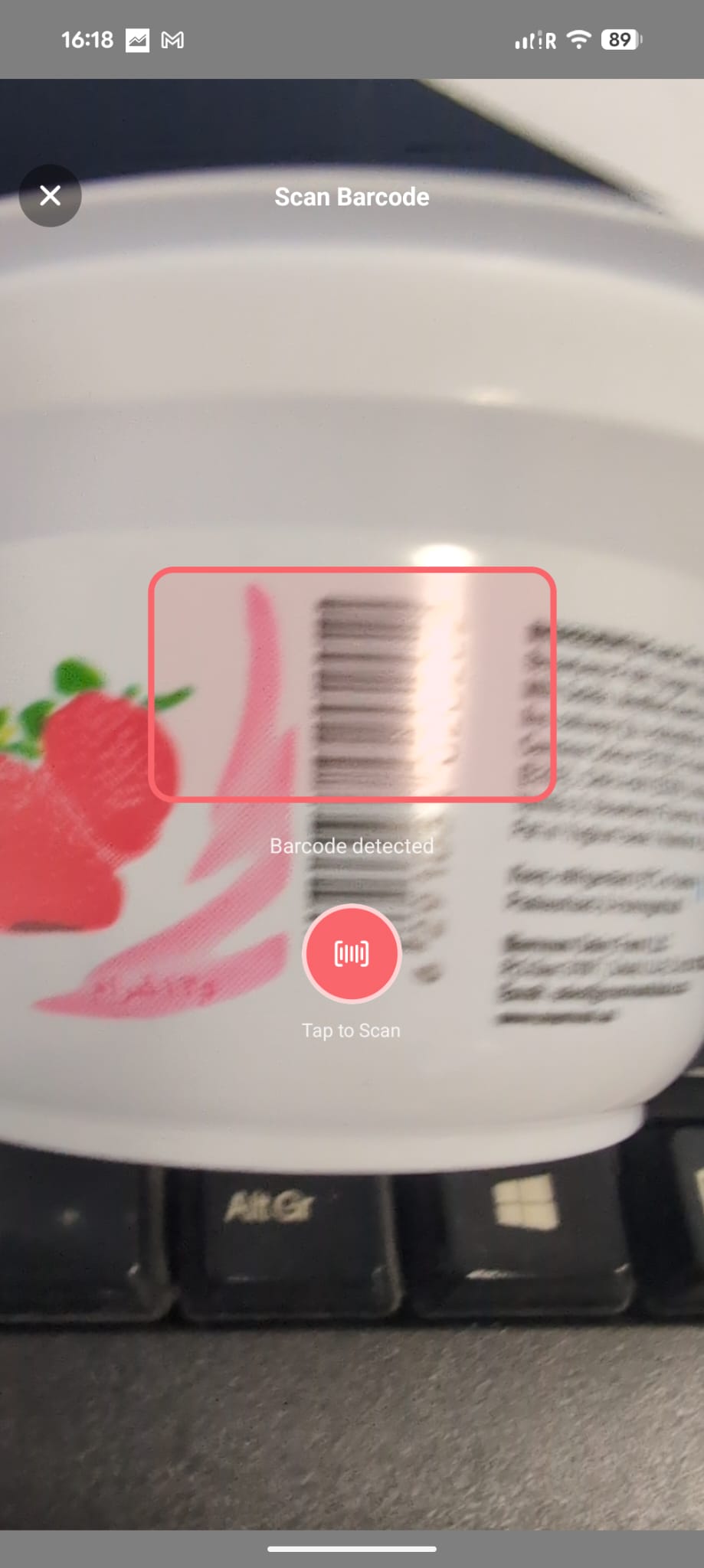
Open the camera from Add a Food, hold it over the barcode, and tap Scan. nYOOtelligence checks its own cache first, then Open Food Facts’ catalogue of over four million products, then falls back to an AI lookup for anything still unmatched.
No typing the product name. No guessing the portion. Straight to your Food Diary, cuisine and brand already classified.
No barcode? Read the label instead.
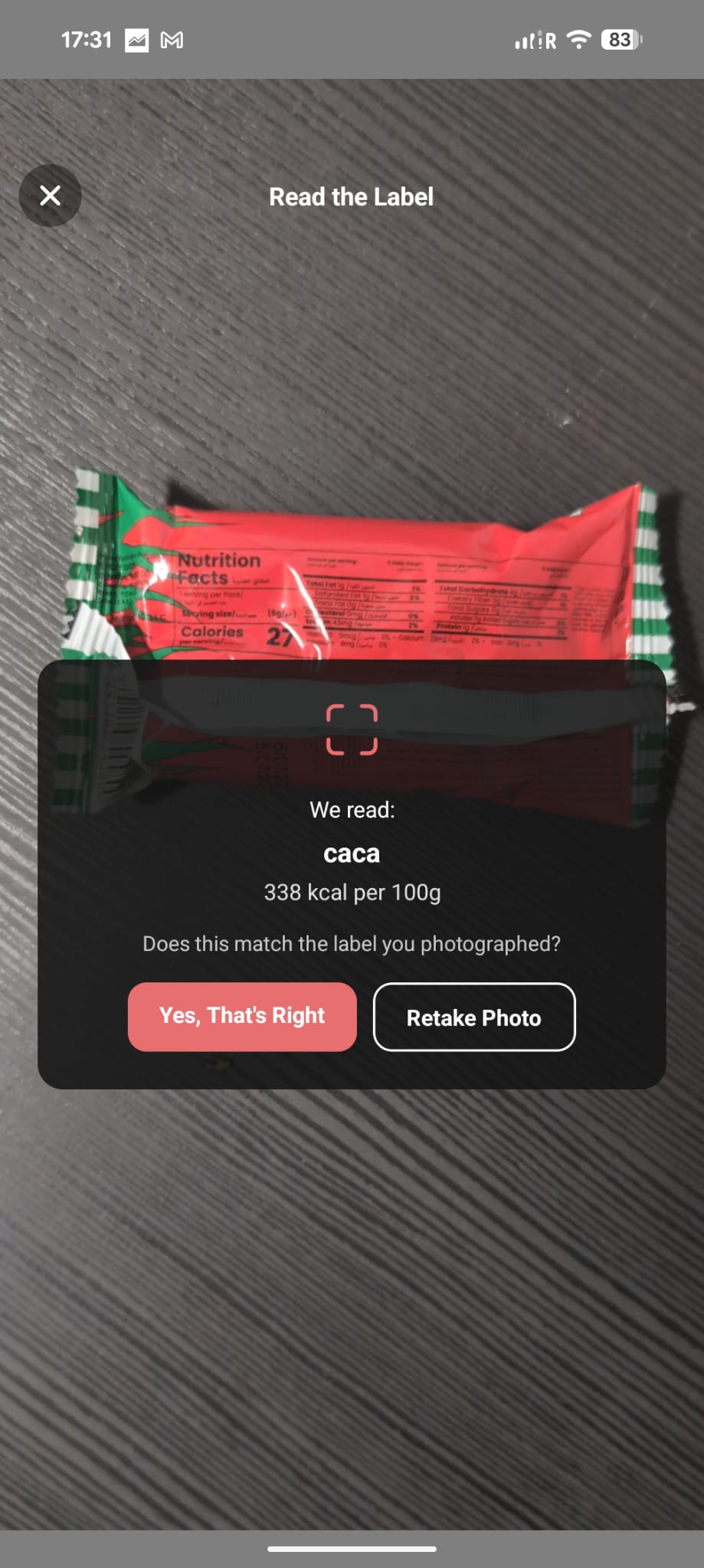
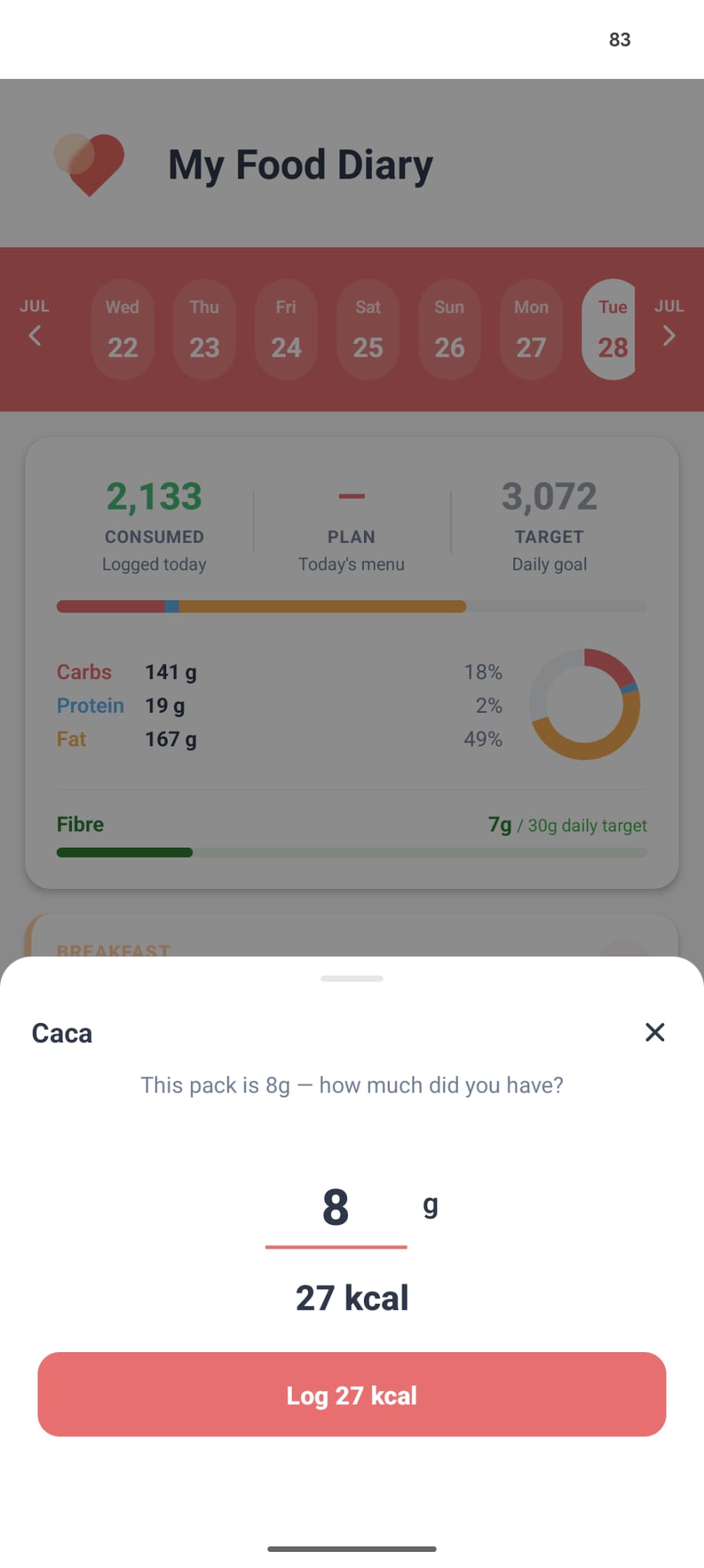
Photograph a nutrition label directly and nYOOtelligence reads it — serving size and calories, straight off the pack. It handles more than packaged products too: point it at a fresh-produce or deli scale ticket and it resolves the same way, no barcode required.
Point it at something that isn’t food — medicine, a supplement, a cosmetic — and it says so, rather than forcing a wrong answer.
No label at all? Just snap the plate.
A restaurant order. Something home-cooked. A dish you’ve never logged before. Snap a photo and nYOOtelligence works out what it is — you confirm or correct the guess before it’s ever logged, nothing goes in silently.
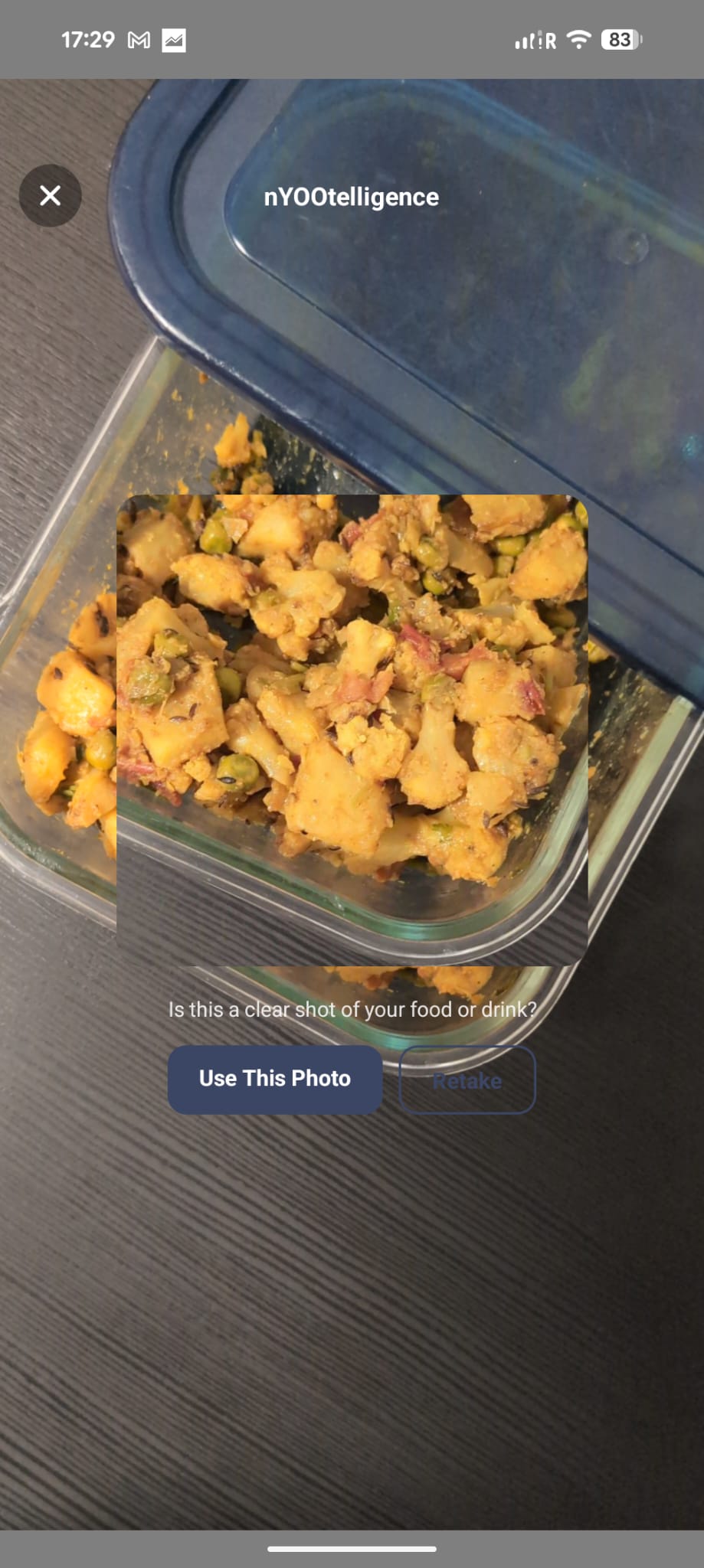
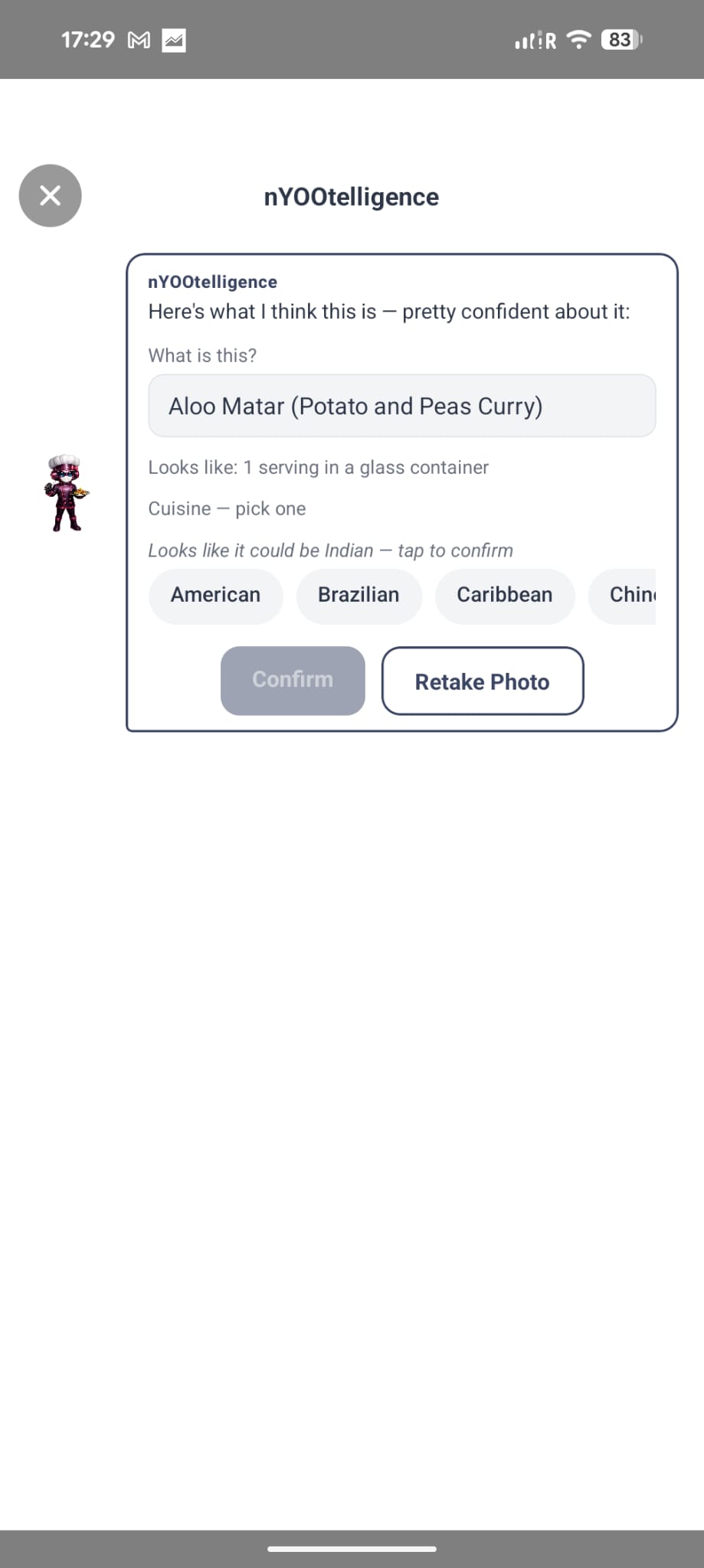
Nothing is ever pre-selected for you. The cuisine is a hint, not a silent guess — you tap to confirm before anything is logged.
Built for the food that isn’t on the plan.
You bought something new
A snack you’ve never logged, a product with a barcode you don’t recognise. Scan it once, done.
No barcode in sight
Fresh produce, a deli counter, a scale ticket. Photograph the label instead — no barcode required.
Someone else cooked
A restaurant order, a friend’s dinner party, your mum’s cooking. Snap the plate, nYOOtelligence takes it from there.
You just don’t feel like typing
One camera, three inputs. Whichever one fits the moment, no manual search required.
Frequently Asked Questions
How do I use the barcode scanner to log food? +
Open the camera from Add a Food, point it at the barcode, and hold steady until it's detected. nYOOtrition looks it up against its own cache, then Open Food Facts, then an AI fallback — so even less common products usually still resolve — and logs it straight to your Food Diary.
Does nYOOtrition have a nutrition label scanner? +
Yes. Photograph a nutrition label and nYOOtelligence reads it directly — including fresh produce and deli scale tickets, not just packaged products with a barcode.
What happens if a barcode doesn't scan or isn't recognised? +
nYOOtelligence checks its own cache first, then Open Food Facts, then falls back to an AI lookup — so a product that isn't already known usually still gets identified rather than dead-ending.
One camera. Every shortcut.
Drop your email — or scan with your phone — and we’ll let you know the moment nYOOtrition is live.

Scan with your phone